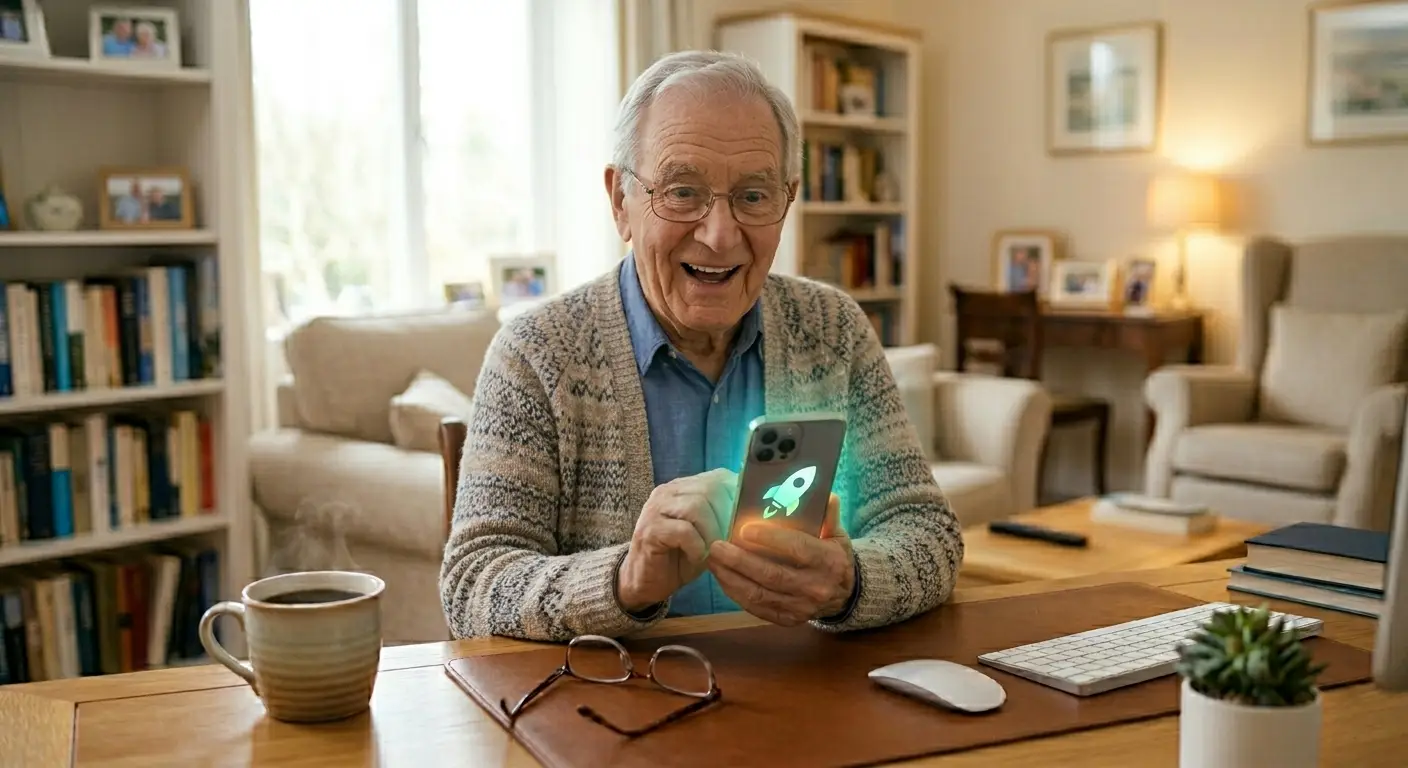
Is your phone acting like it needs a nap? It’s moving slowly, freezing, or taking forever to open apps? Don’t worry — you don’t need to take it to a repair shop.
In just a few minutes you can give your phone a quick “digital spring cleaning” and make it feel much faster again.
Step 1: Delete the Dust (Old Messages & Photos)
Over time, old text messages (especially those with large videos or photos) and unnecessary pictures take up a lot of space and slow your phone down.
-
1Clean up messages Go to your Messages app, find long conversations, and delete old ones you no longer need.
-
2Remove unwanted photos Open your Photos app and delete blurry or duplicate pictures. Move keepers to a backup first.
Step 2: Close Hidden Apps Running in the Background
Apps you opened earlier may still be running quietly and using up your phone’s memory.
-
1On iPhone Swipe up from the bottom of the screen and pause, then swipe up on apps you’re not using.
-
2On Android Tap the square (recent apps) button and swipe away apps you’re not using.
Step 3: The Magic Restart
Simply turning your phone completely off and back on once a week clears out temporary junk and fixes most slowdowns.
Hold the power button (and volume down on some phones) until the “Power off” option appears, then restart.
Avoid downloading “Cleaner” or “Speed Booster” apps that show lots of ads. Your phone already has everything it needs to stay fast. The simple steps above work better and are much safer.
Your Phone Can Feel New Again
Slow phones are usually just “cluttered,” not broken. By removing old messages, closing background apps, and restarting regularly, you can make your phone faster and more enjoyable to use.
Try these three steps today — many seniors notice a big improvement right away. You’ve got this!