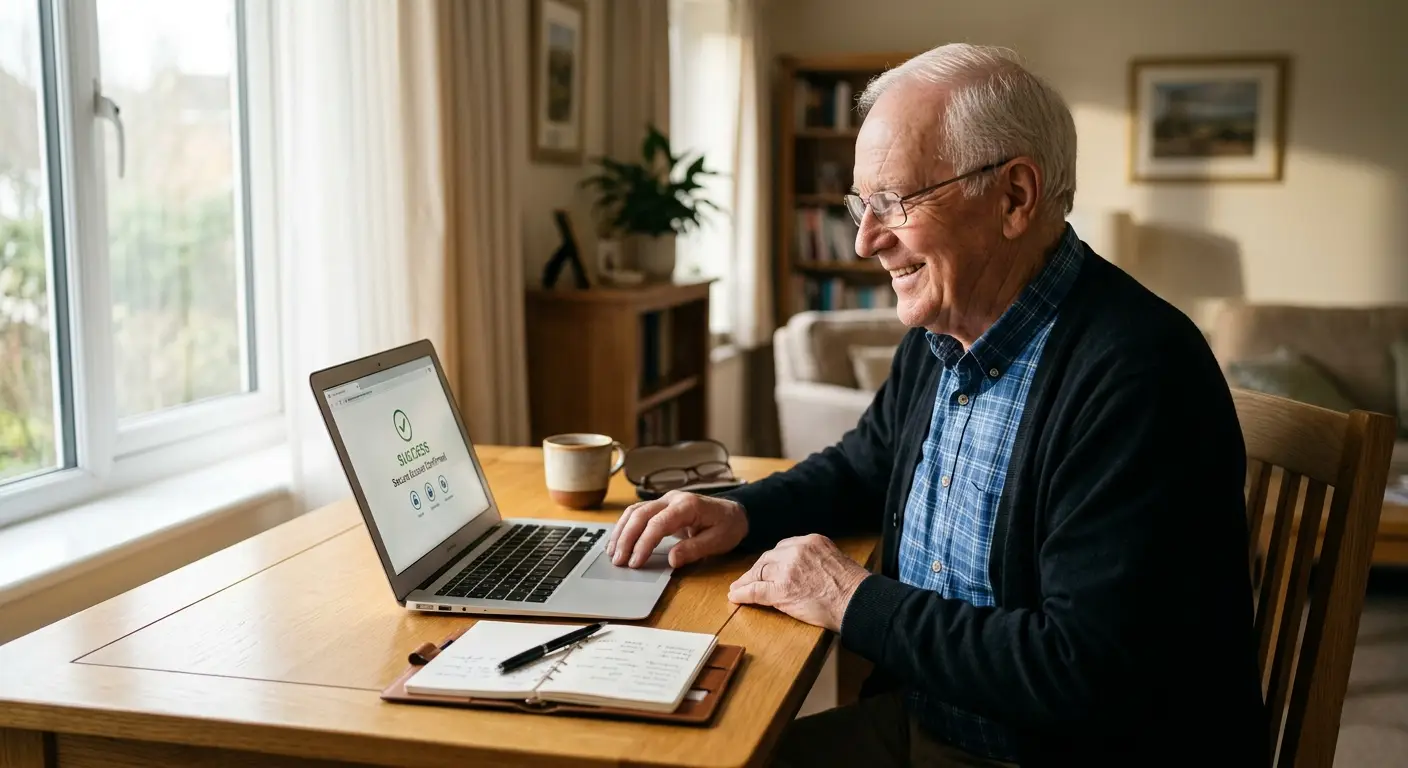
We all have too many passwords these days. It’s frustrating when you just want to check your email, look at photos, or pay a bill — and suddenly you’re locked out.
Password fatigue is real, especially when you’re trying to enjoy the helpful parts of the internet. The good news? There are three safe and simple ways to make logging in much easier without risking your security.
Way 1: The Notebook Method (The Old-Fashioned Way)
For many seniors, the simplest and safest option is a small physical notebook kept at home.
-
1Write it down Use a small notebook or address book. Write the website name and your password clearly.
-
2Keep it hidden and safe Store the notebook in a private drawer or cupboard — away from your computer and never near the front door. Never carry it with you.
-
3Use it only at home This method works well because it keeps everything offline and away from hackers.
Way 2: Create a Strong but Easy-to-Remember Passphrase
Instead of using complicated passwords with lots of symbols, try a short sentence that means something to you.
Example: ILoveBlueBirds2025! or MyGrandkidsMakeMeSmile!
These are much easier to remember than random letters and numbers, but they are still very hard for others to guess.
Way 3: Let Your Phone Remember for You
Both iPhone and Android have built-in tools that can safely save your passwords.
-
1On iPhone (Apple Keychain) When a site asks you to save your password, tap “Save Password.” Next time, it will fill in automatically.
-
2On Android (Google Password Manager) Look for the prompt “Save password?” and say yes. Google will remember it for you across your devices.
-
3Stay safe Always use a screen lock (PIN or fingerprint) on your phone so no one else can open it.
Never use the same password for your bank account and your email. If someone guesses one, they could get into everything. Make your banking password extra strong and different from all the others.
You’ve Got This
Passwords don’t have to be a daily struggle. Whether you choose the trusted notebook method, a meaningful passphrase, or let your phone help remember, you can log in more easily and safely.
Pick the method that feels most comfortable for you. The goal is to reduce frustration so you can enjoy the helpful parts of the internet — like seeing family photos, paying bills, or staying in touch — without the stress of forgotten passwords.